Join this channel to get access to perks:
https://www.youtube.com/channel/UCcA2nhdC0wzqyv9x1lk5NnA/join
MCP Protocol Tutorial Playlist:
Generative AI Tutorial Full Videos Playlist
#Python #UVPackageManager #PythonTutorial #generativeai #genai #aitutorialforbeginners #networkautomation #networkengineers
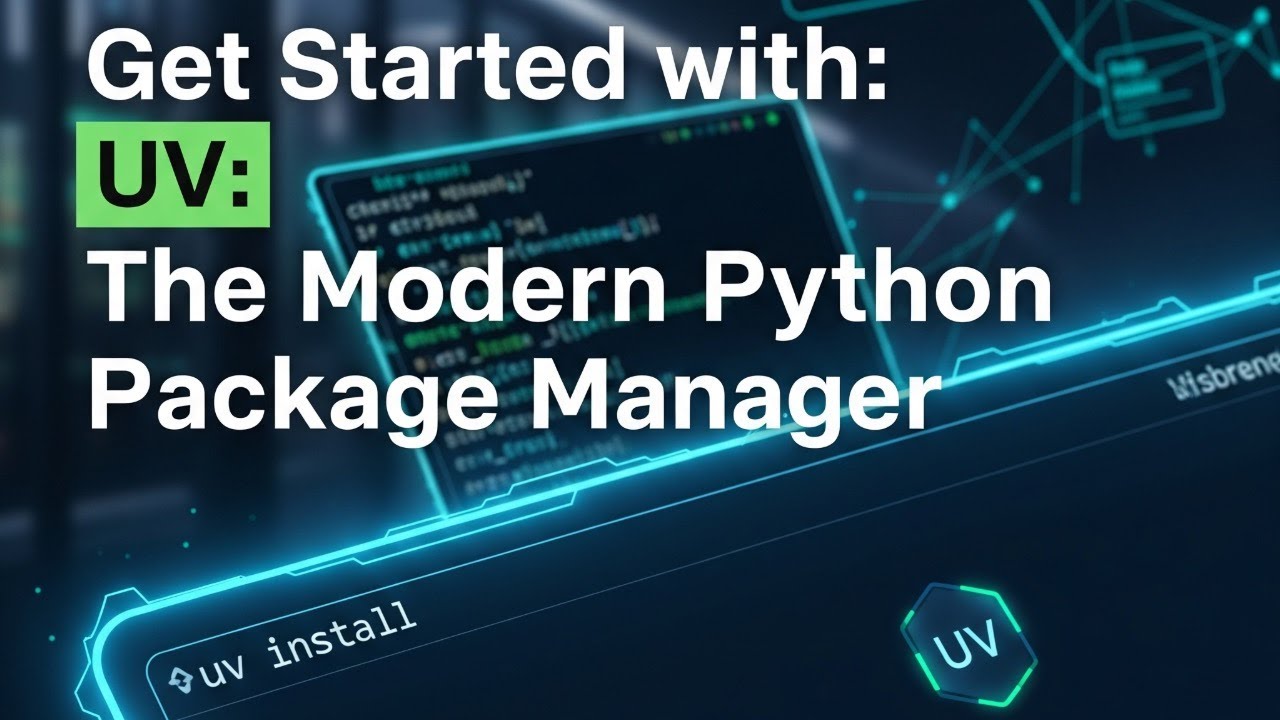
Tired of slow Python package installations and complex dependency management? Discover UV, the extremely fast Python package and project manager written in Rust, developed by Astral! In this comprehensive tutorial, we’ll dive deep into UV, exploring its features, installation, and how it can revolutionize your Python development workflow.
UV aims to be a high-performance replacement for traditional tools like pip, pip-tools, venv, and virtualenv. Learn about its key advantages: ultra-fast installation and dependency resolution, a single tool for installing, locking, and syncing dependencies, full compatibility with requirements.txt and pyproject.toml, built-in virtual environment management, and cross-platform support (Windows, Linux, macOS).
What you’ll learn in this UV Python tutorial:
What is UV Python Package Manager? Understand the core concepts and benefits of UV.
How to Install UV: Step-by-step installation guide for various operating systems, including Homebrew for macOS.
Initializing a UV Project: Learn to set up your Python projects with uv init and understand the automatically generated files like .gitignore and pyproject.toml.
Understanding pyproject.toml: Explore how this crucial file replaces setup.py, setup.cfg, and requirements.txt for defining project metadata and dependencies. We’ll also cover the TOML syntax (Tom’s Obvious Minimal Language).
Managing Python Versions with UV: See how to list available Python versions (uv python list) and install specific versions (uv python install).
Installing & Managing Dependencies with UV:
Add packages using uv add package_name
Install specific package versions
View dependency trees with uv tree.
Remove packages with uv remove package_name.
Understanding uv.lock File: Discover the importance of this universal, cross-platform lock file for capturing exact resolved package versions and why it should be checked into version control.
Running Python Scripts with UV: Execute your Python scripts directly using uv run script_name.
Migrating Projects to UV: Learn how to seamlessly transfer your projects with pyproject.toml and uv.lock files to new environments, allowing UV to automatically set up virtual environments and install dependencies.
Comparison: UV vs. venv (Traditional Method): A clear demonstration of how UV simplifies virtual environment creation and dependency management compared to the traditional venv and pip freeze approach.
This video is perfect for Python developers looking to optimize their workflow, improve package management, and leverage the power of a modern, high-performance tool like UV. Say goodbye to ModuleNotFoundError and complex virtual environment setups!
Don’t forget to like, share, and subscribe for more Python learning content!


コメント