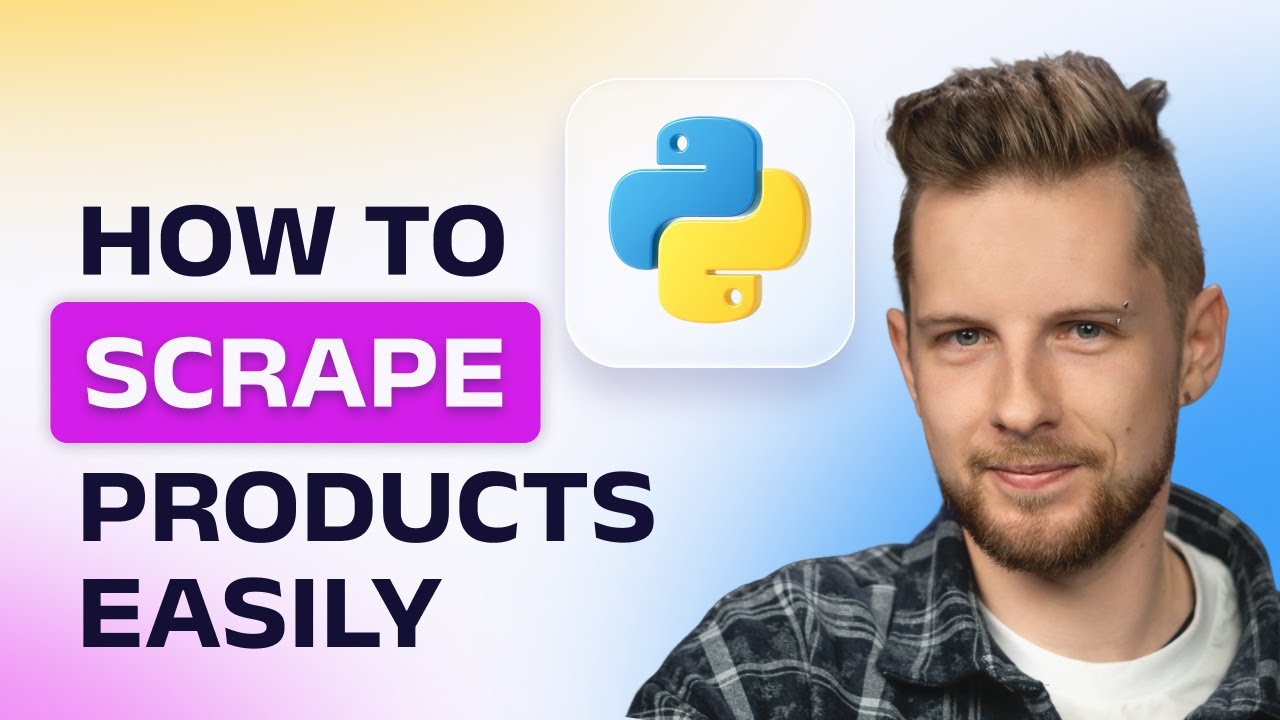
Want to learn how to scrape products from a website without hassle? In this web scraping tutorial, Dovydas from Oxylabs shows you how to scrape all products from a website using Python and the Oxylabs Web Scraper API. You’ll discover how to scrape eCommerce pages safely, extract product titles, descriptions, and prices, and save everything as structured data for analysis.
This Python web scraping guide walks you through setting up your environment, sending scraping requests, and performing data extraction with BeautifulSoup – perfect for anyone wanting to automate product research or competitor tracking.
By the end, you’ll understand how to scrape all the products’ information and data from a website using a reliable web scraper. Whether you’re new to data scraping or looking to scale your eCommerce scraping workflow, this tutorial will help you turn raw pages into actionable insights.
Try our Web Scraper API for free 👉 https://oxy.yt/Txc3
🔧 *OUR SCRAPING SOLUTIONS*
Web Scraper API:
👉 https://oxy.yt/rxmo
Residential Proxies:
👉 https://oxy.yt/GxvW
Shared Datacenter Proxies:
👉 https://oxy.yt/Txbq
Dedicated Datacenter Proxies:
👉 https://oxy.yt/TxnD
🤝 *LET’S CONNECT*

⏳ *TIMESTAMPS*
0:00 Intro
0:28 Why scrape product data from web?
1:09 Prerequisites
1:49 Main function
2:43 Forming a request
3:34 Parsing the results
5:18 Saving data to CSV
5:59 Outro
Subscribe for more: https://oxy.yt/RxWj
© 2025 Oxylabs.
All rights reserved.
#WebScraping #PythonWebScraping #DataScraping #EcommerceScraper #ScrapeProducts #Oxylabs
コメント