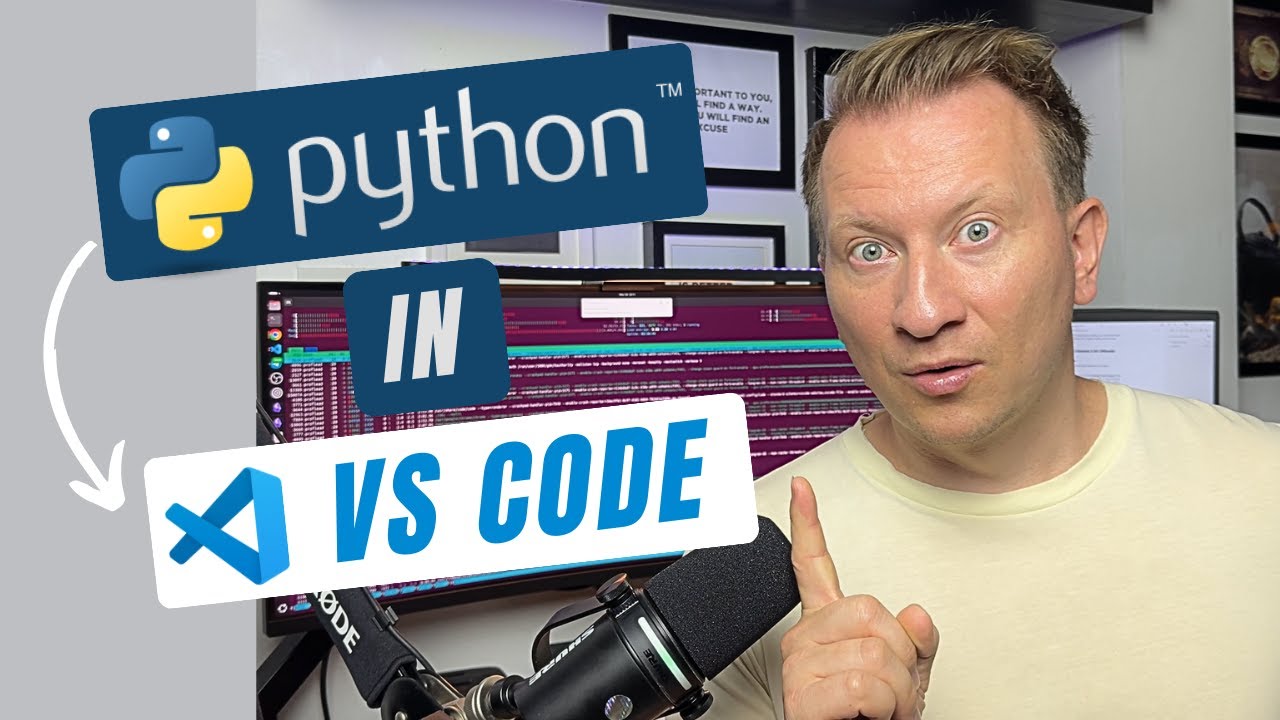
Learn how to install Python in Visual Studio Code (VS Code) on Windows 11, macOS, and Linux using just the terminal.
This step-by-step tutorial covers the exact commands for each operating system, so you can quickly set up Python and start coding in VS Code without any confusion.
What you’ll learn:
– How to install Python on Windows with winget or Chocolatey
– How to install Python on macOS with Homebrew
– How to install Python on Linux using apt
– How to verify your installation inside VS Code
Perfect for beginners and anyone who wants a universal guide to setting up Python in VS Code.
Install Commands:
Windows: winget install -e –id Python.Python.3.11 –scope machine
macOS: brew install python
Linux: sudo apt update && sudo apt install python3
You can download Python from here:
https://www.python.org/
And VS Code from here:
https://code.visualstudio.com/
Other Videos about Python:
How to Learn Python FREE: 8-Week Learning Plan (80/20 Rule)
Python Clean Code Lessons – Top Principles from “Uncle Bob”
#vscode #python #vscodepythontutorial


コメント
VS Code Python Setup: Windows, macOS & Linux in 1 Minute
https://youtu.be/j8_Voisc7pM?si=FQNLnq05XzdaTKRM