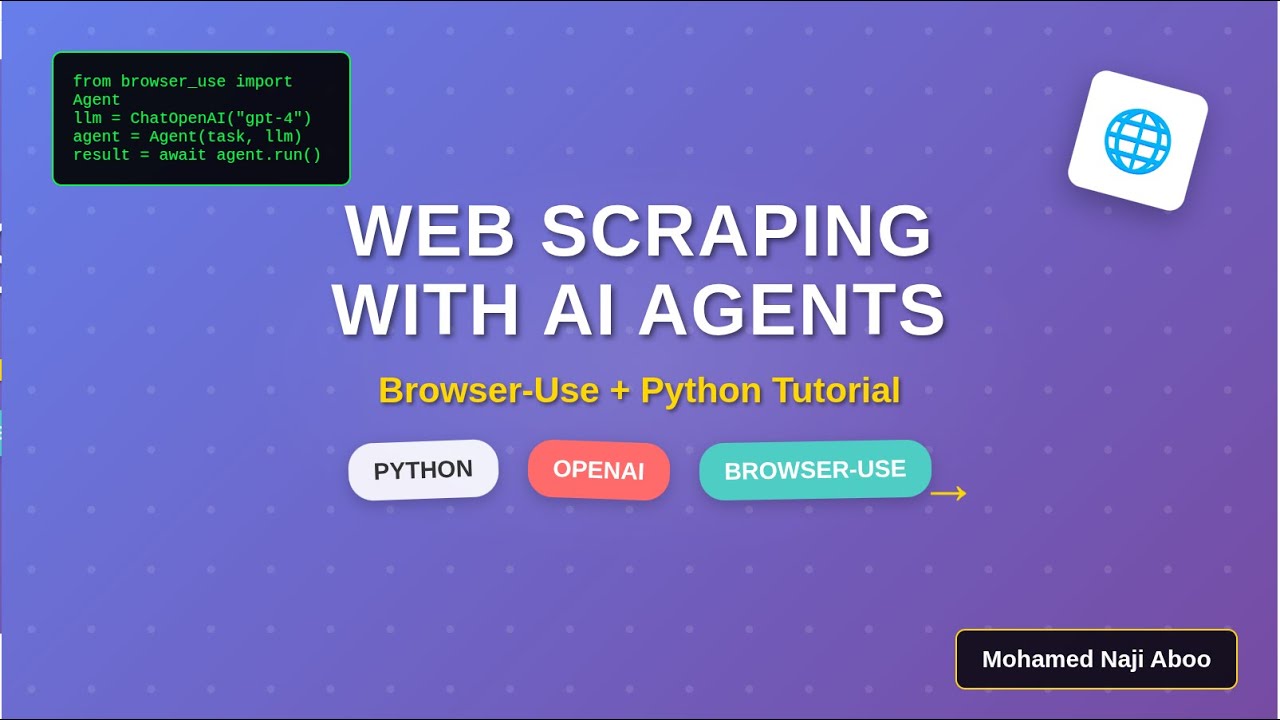
🚀 Learn how to extract data from any website using Browser-Use, the revolutionary Python library that combines AI agents with web automation!
In this comprehensive tutorial, you’ll discover how to:
✅ Set up Browser-Use with OpenAI GPT-4 integration
✅ Create intelligent web scraping agents that understand natural language
✅ Extract quotes, authors, and tags from websites automatically
✅ Structure scraped data in clean, readable formats
✅ Handle dynamic websites with AI-powered automation
🔧 What You’ll Build:
A Python script that automatically navigates to quotes.toscrape.com and extracts the first 5 quotes along with their authors and tags – all with just a few lines of code!
📋 Code Covered:
Browser-Use library installation and setup
OpenAI API integration with GPT-4
Async programming patterns
Web data extraction techniques
Error handling and best practices
🎯 Perfect for:
Python developers
Web scraping enthusiasts
AI automation beginners
Data extraction professionals
💻 Source Code: Available in the description
🔔 Subscribe for more Python automation tutorials!
⏰ Timestamps:
0:00 – Introduction
0:30 – Browser-Use Library Overview
2:00 – Setting Up the Environment
4:00 – Writing the Scraping Agent
7:00 – Running and Testing the Code
9:00 – Results and Next Steps
#WebScraping #Python #AI #Automation #BrowserUse #OpenAI #DataExtraction #PythonTutorial
#WebScraping #Python #BrowserUse #OpenAI #GPT4 #AI #Automation #DataExtraction #PythonTutorial #WebAutomation #Selenium #BeautifulSoup #ScrapingTutorial #MachineLearning #ArtificialIntelligence #PythonLibrary #WebDevelopment #DataScience #Programming #TechTutorial #BrowserUseLibrary #AIWebScraping #PythonWebScraping2024 #OpenAIIntegration #AutomatedDataExtraction #WebScrapingWithAI #PythonAutomation #DataMining

コメント