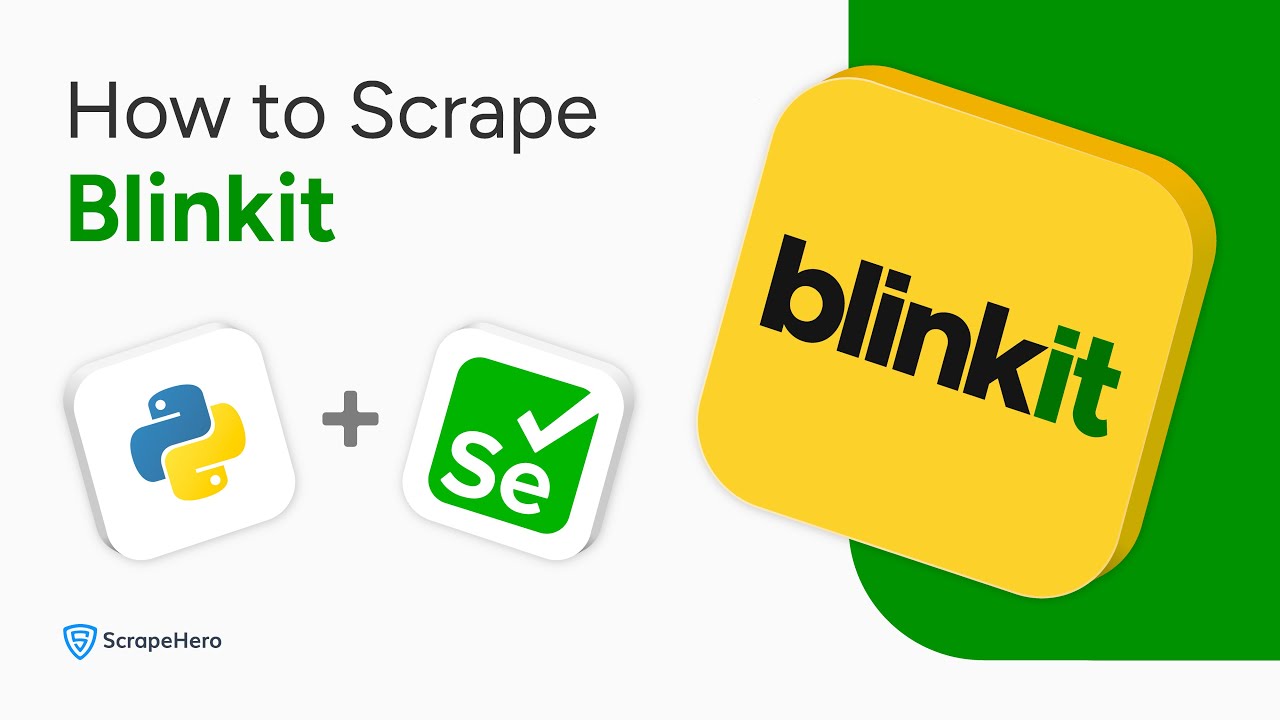
Learn how to scrape Blinkit product data with this complete Python Selenium tutorial! In this video, I’ll show you step-by-step how to build a Blinkit web scraper that extracts:
Product names
Prices
Quantities
Delivery times
📌Full Code:
🔍 What you’ll learn:
00:00 – Introduction to Blinkit Scraping
00:04 – Setting up Selenium
00:14 – Importing necessary modules
00:31 – Navigating to Blinkit
00:38 – Entering the PIN code of a location
01:05 – Selecting the location
01:26 – Entering the search term
01:53 – Extracting the product details
02:32 – Saving to a JSON file
💡 💡 **For enterprise-grade scraping needs:** While this tutorial works for small projects, large-scale scraping requires professional solutions. Check out ScrapeHero’s web scraping services (https://www.scrapehero.com/) to handle:
✅ Anti-bot measures
✅ Automatic HTML change detection
✅ Custom data delivery
✅ Reliable scraping at scale
Try ScrapeHero for worry-free data extraction, letting you focus on analysis rather than maintenance.
#WebScraping #Python #Selenium #Blinkit #DataScraping #Automation
🔔 Subscribe for more Python tutorials and web scraping guides!
コメント