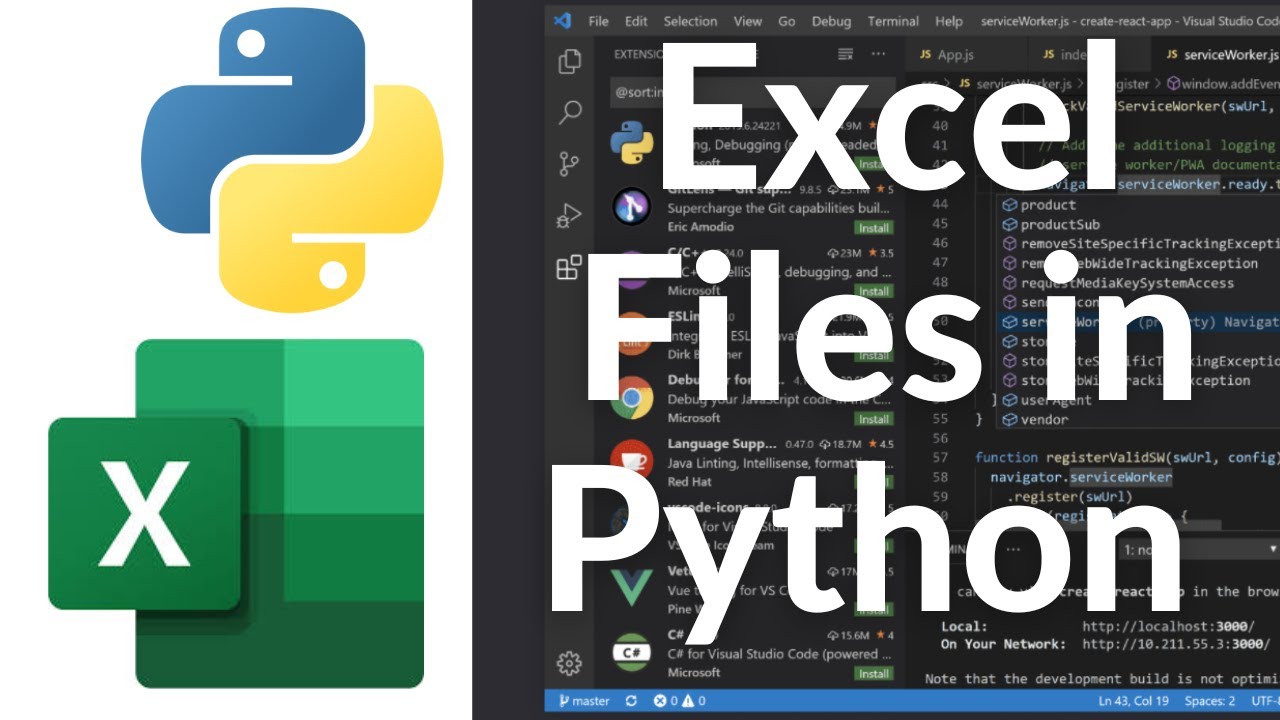
How to Use Excel .xlsx Files with Python! OpenPyXL Tutorial
Want to read, write, and manipulate Excel `.xlsx` files using Python? In this complete **OpenPyXL tutorial**, you’ll learn how to work with Microsoft Excel files programmatically—perfect for data analysis, reporting automation, or handling spreadsheets in your Python projects.
**OpenPyXL** is a powerful and user-friendly library for reading and writing Excel 2010+ `.xlsx` files. This tutorial walks you through the basics and some advanced tips so you can confidently integrate Excel into your Python workflow.
🔹 What You’ll Learn:
* How to install OpenPyXL
* Opening existing `.xlsx` files in Python
* Reading cell values and iterating through rows and columns
* Writing new data to Excel files
* Creating and saving new workbooks
* Modifying existing sheets and formatting cells
* Adding formulas, charts, and more
* Saving your changes and exporting updated files
📌 Installation Command:
“`bash
pip install openpyxl
“`
📁 Use Cases:
* Automating reports
* Processing data exports from tools like Excel or Google Sheets
* Cleaning and transforming spreadsheet data
* Generating `.xlsx` files from Python scripts
📌 Sample Code:
“`python
import openpyxl
# Load workbook
wb = openpyxl.load_workbook(‘example.xlsx’)
sheet = wb.active
# Read a cell
print(sheet[‘A1’].value)
# Write to a cell
sheet[‘B2’] = ‘Hello, Excel!’
wb.save(‘example_modified.xlsx’)
“`
💡 Bonus Tips:
* Learn how to style cells and apply number formats
* Handle multiple sheets with ease
* Use loops to efficiently read or write large datasets
This tutorial is beginner-friendly and ideal for data analysts, engineers, or developers automating spreadsheet tasks.
👍 Like, comment, and subscribe for more Python and Excel automation content!
#Python #OpenPyXL #ExcelPython #PythonAutomation #ExcelAutomation #PythonExcelTutorial #DataAnalysis #ExcelFiles #PythonTips #XLSX #OpenPyXLTutorial #LearnPython #SpreadsheetAutomation #PythonProjects #ExcelWithPython


コメント
What about Libreoffice Calc files?