
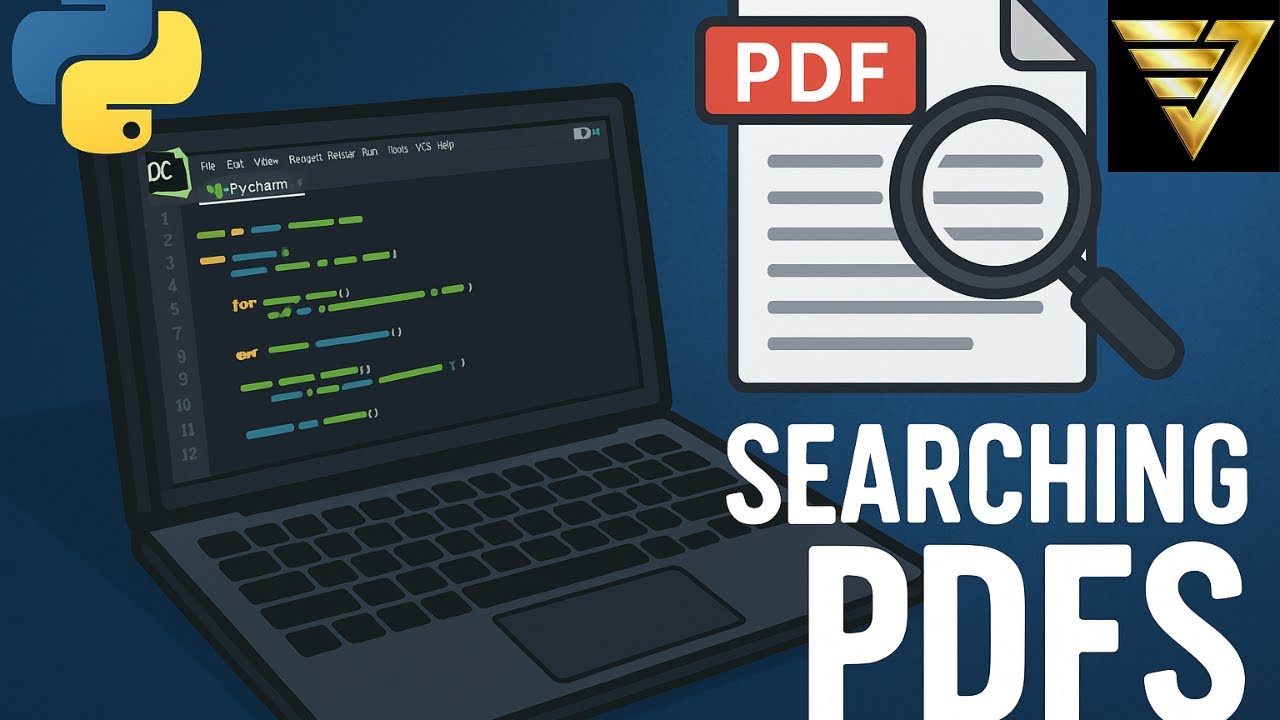
In this video, I walk you through how I built a Python program that automatically checks the upcoming meeting agendas from my local government’s website. Using BeautifulSoup4, we scrape for new PDF links, then extract and analyze their contents using PyPDF2. If a file isn’t readable with standard tools, we fall back on Pytesseract OCR to handle scanned documents.
This is perfect if you’re interested in:
✅ Web scraping public data
✅ Automating PDF text extraction
✅ Using OCR to read non-searchable documents
✅ Tracking city council or police jury agendas
Whether you’re a Python beginner or an automation enthusiast, this tutorial gives you real-world insights into web scraping, PDF parsing, and workflow automation.
📌 Tools used:
BeautifulSoup4
PyPDF2
pytesseract
requests
io / re
Poppler install: https://github.com/oschwartz10612/poppler-windows/releases
Pytesseract install: https://github.com/UB-Mannheim/tesseract/wiki
👍 Don’t forget to Like, Comment, and Subscribe if you find this helpful!
✅ Subscribe To The Channel For More Videos:
https://www.youtube.com/@BrandonJacobson/?sub_confirmation=1
✅ Stay Connected With Me:
👉 (X)Twitter: https://x.com/BrandonJInc
==============================
✅ Other Videos You Might Be Interested In Watching:
👉 https://www.youtube.com/watch?v=5OOBZgc9a48
👉 https://www.youtube.com/watch?v=D64UcX5Bz-0
👉 https://www.youtube.com/watch?v=g3eltHiEPAU
👉 https://www.youtube.com/watch?v=baXv5pZPlu0
=====================
#Python #WebScraping #BeautifulSoup #PDFParsing #pytesseract #Automation #LocalGovernment #CivicTech #OpenData

コメント
Super scraper strikes again!