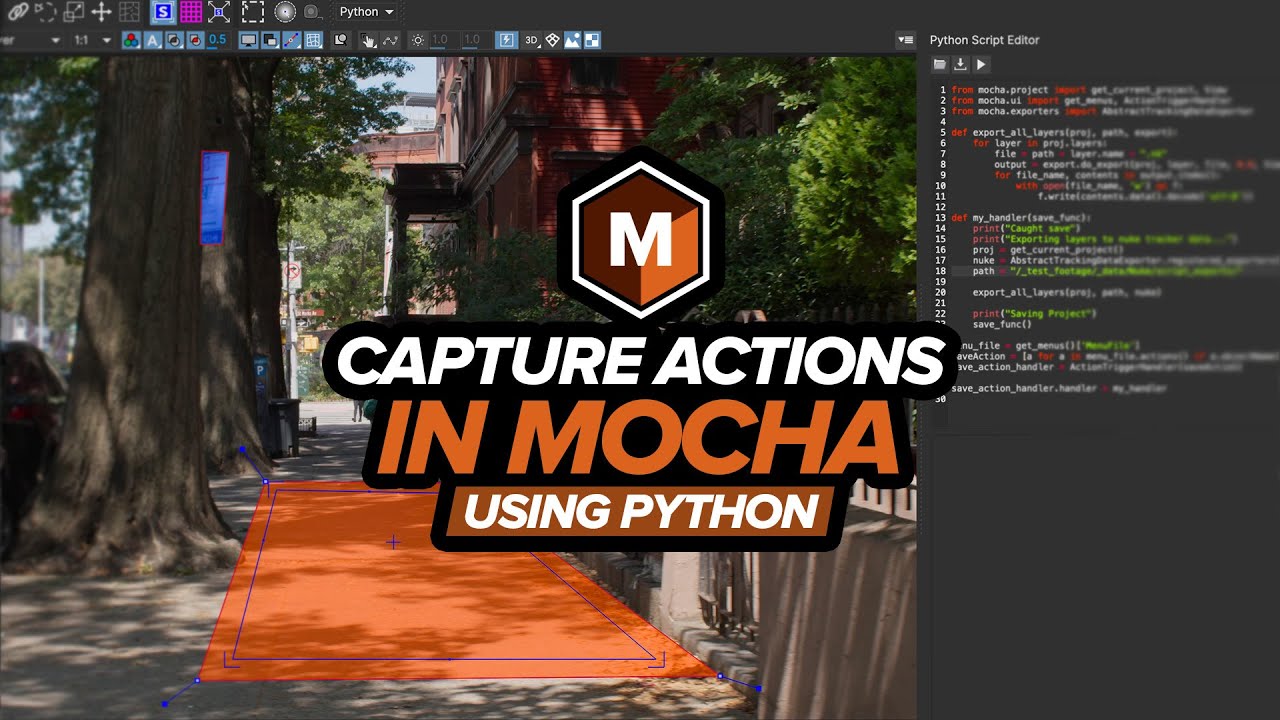
Did you know you can expand the functionality of Mocha with Python?
In this tutorial, Mocha Product Manager Martin Brennand takes you through the basics of capturing menu actions to trigger Python code.
Even if you don’t know Python, you can easily follow along and see how Python action triggers help augment existing functionality in your workflow.
Download a free trial of Mocha Pro at borisfx.com : https://borisfx.com/products/mocha-pro/
// K E Y P O I N T S //
⦁ Importing modules from the Mocha Python API
⦁ How to find names of menus and actions in the interface
⦁ Triggering and handling events
⦁ What to do with an action trigger
Learn more about Mocha Pro here: https://borisfx.com/products/mocha-pro/
// D I S C O R D C H A N N E L //

#tracking #VFX
/ / C H A P T E R L I S T / /
00:00 Intro
00:38 Viewing the Script Editor
01:09 Importing from the Mocha Python modules
01:36 Finding the File menu in code
03:03 Finding and listing the available actions in the File menu
04:56 Defining the action trigger
05:42 Creating a function to handle the action event
07:22 Registering the action trigger handler to Mocha
09:44 Practical applications for action triggers
11:32 Outro
コメント
❓
Please create a video tutorial on Synth Eyes Pro that demonstrates the complex track method. I tried one video, but I couldn’t do so.
Hi, do you guys have a discount code?